Admin UI
To enable the Admin UI, add the following dependencies:
dependencies {
implementation("io.github.dehuckakpyt.telegrambot:telegram-bot-admin-api-spring:1.4.2")
implementation("io.github.dehuckakpyt.telegrambot:telegram-bot-admin-ui-spring:1.4.2")
}
By default, the Admin Panel is available at http://127.0.0.1/admin-ui.
By default, the list of users allowed to access the Admin Panel is taken from the telegram-bot.administration.access.user-ids property. You must explicitly specify Telegram user ids that are allowed to log in.
Configuration properties
telegram-bot:
administration:
access:
# Telegram user ids allowed to access the admin panel
user-ids:
- 123
- 456
admin-api:
# Backend API prefix, used to separate backend and frontend routes
prefix: "/api"
token-store:
# Token TTL after the last backend request
token-ttl: "PT12H"
admin-panel:
# Frontend UI prefix, used to separate backend and frontend routes
prefix: "/admin-ui"
front-end-config:
# Default page size for all paginated views
default-page-size: 25
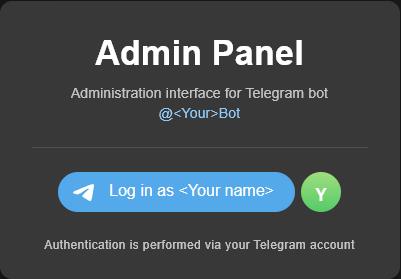
If everything is configured correctly, you will see the login page:
Last modified: 27 July 2024